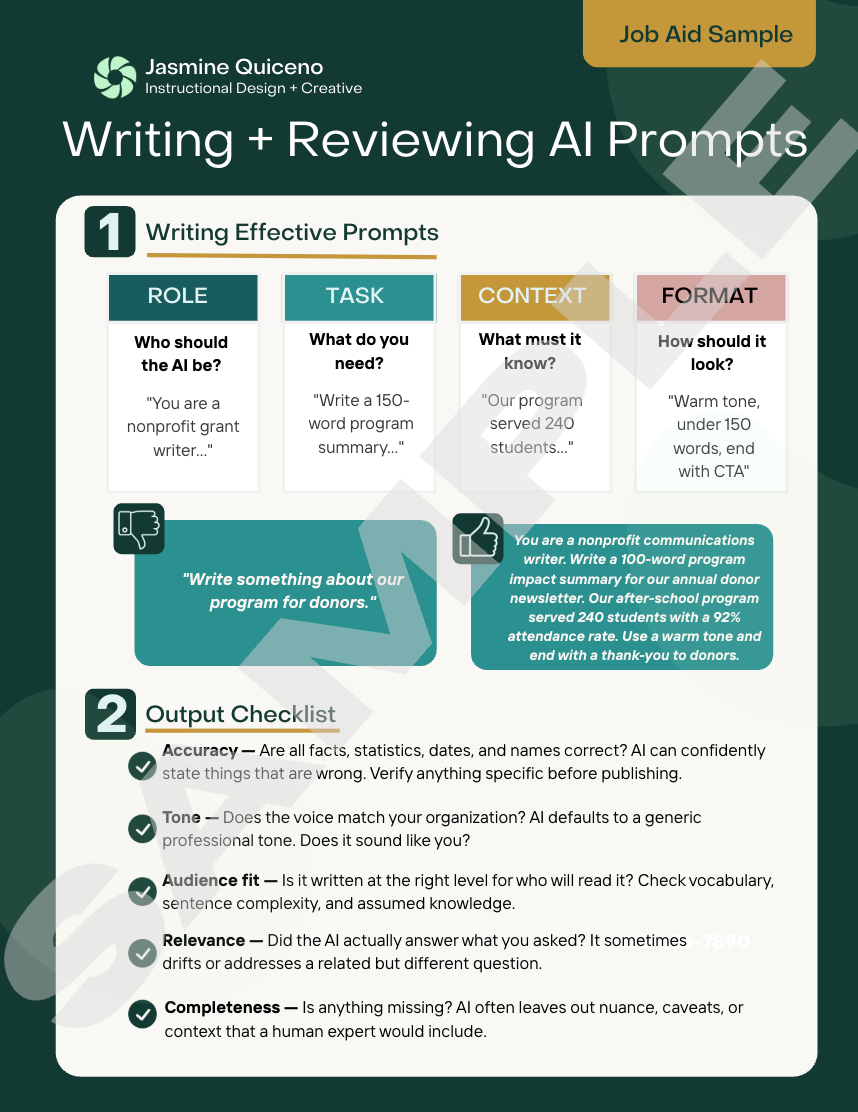
Writing + Reviewing AI Prompts | Job Aid
The need:
Nonprofit communications teams were adopting AI tools quickly, but without a shared framework, output quality varied widely. Vague prompts led to generic, off-brand copy, and staff had no consistent way to evaluate whether AI-generated content was actually ready to publish. I designed this job aid to close that gap: a fast, repeatable reference that improves both the quality of what teams ask for and their ability to judge what they get back.
The Approach
I built the job aid around two core skills rather than one. First, a simple four-part prompt framework (Role, Task, Context, Format). Second, a five-point output checklist (Accuracy, Tone, Audience Fit, Relevance, Completeness) that reframes AI use as a skill of evaluation, not just generation — reinforcing that a human review step is a required part of the workflow, not optional polish. The one-page format was intentional: this needed to function as a quick-reference tool at the moment of use, not a training document read once and forgotten.
Skills demonstrated
Needs analysis and performance-gap identification | Job aid and reference-tool design | AI literacy and prompt engineering instruction | Instructional framework design | Visual and information design for scannability | Writing for non-expert | cross-functional audiences
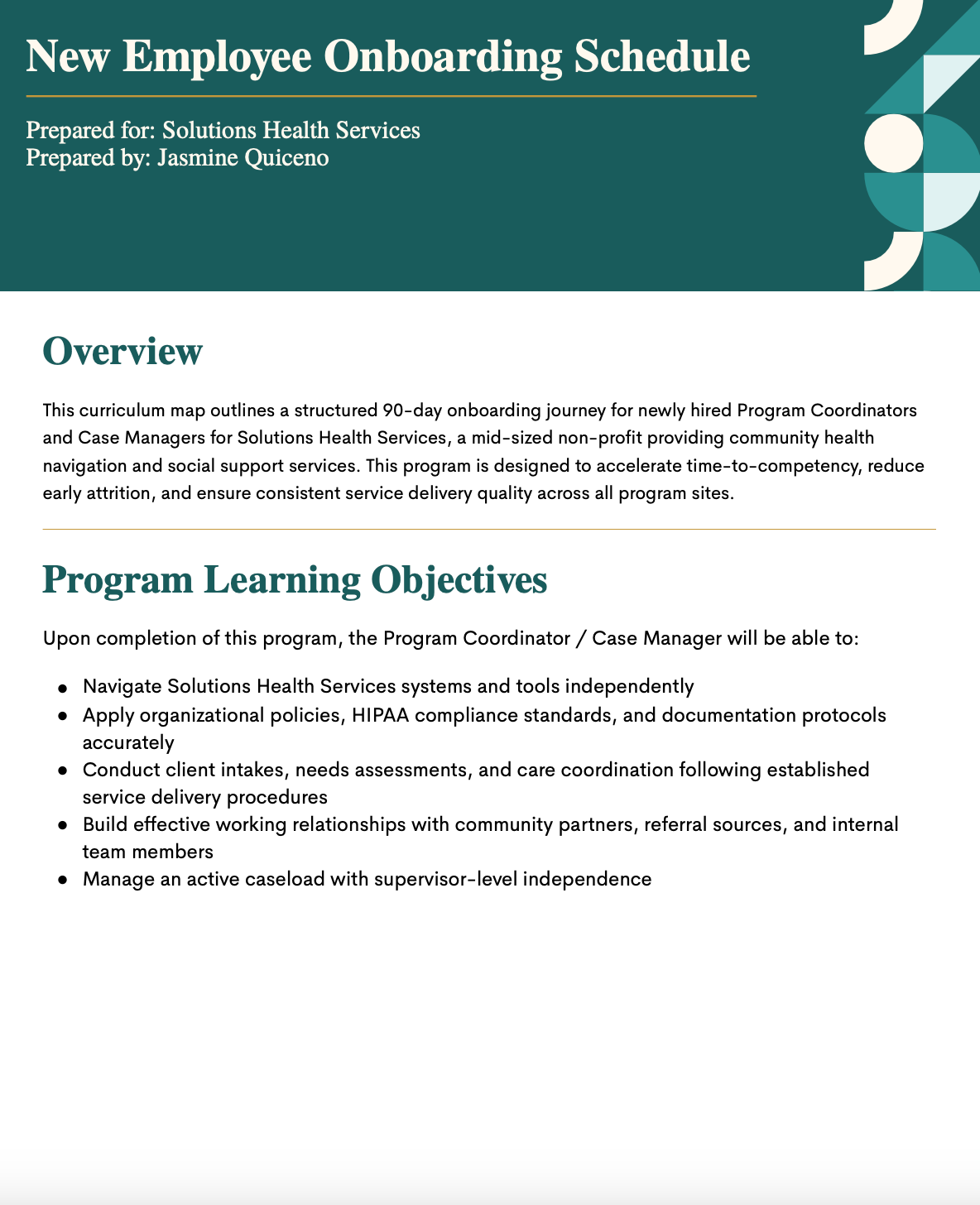
New Employee Onboarding Schedule | Curriculum Map
The need:
Solutions Health Services needed a way to bring newly hired Program Coordinators and Case Managers up to full competency quickly and consistently, without sacrificing service quality across program sites. New hires were expected to navigate internal systems, apply HIPAA and compliance standards, conduct client intakes, and manage an active caseload, but the organization lacked a structured path to get them there. I designed this 90 day onboarding curriculum to close that gap, giving both new employees and their managers a clear, phased roadmap from orientation through supervisor level independence.
The Approach
I structured the program in progressive phases, starting with Foundations in the first 30 days, so new hires build core knowledge (systems, policy, organizational culture) before being expected to apply it in live client situations. Each module maps a specific learning objective to a delivery method, estimated duration, and named owner, so managers know exactly what to reinforce and when. This structure was intentional: onboarding often fails not from lack of content but from lack of pacing and accountability, and this curriculum map solves for both by making the full 90 day arc visible and trackable from day one.
Skills demonstrated
Curriculum mapping and program design | needs analysis | competency gaps | cross functional stakeholder alignment (HR, program management, compliance) | instructional sequencing and phased learning design | documentation for compliance driven environments | learning objective writing tied to measurable performance outcomes
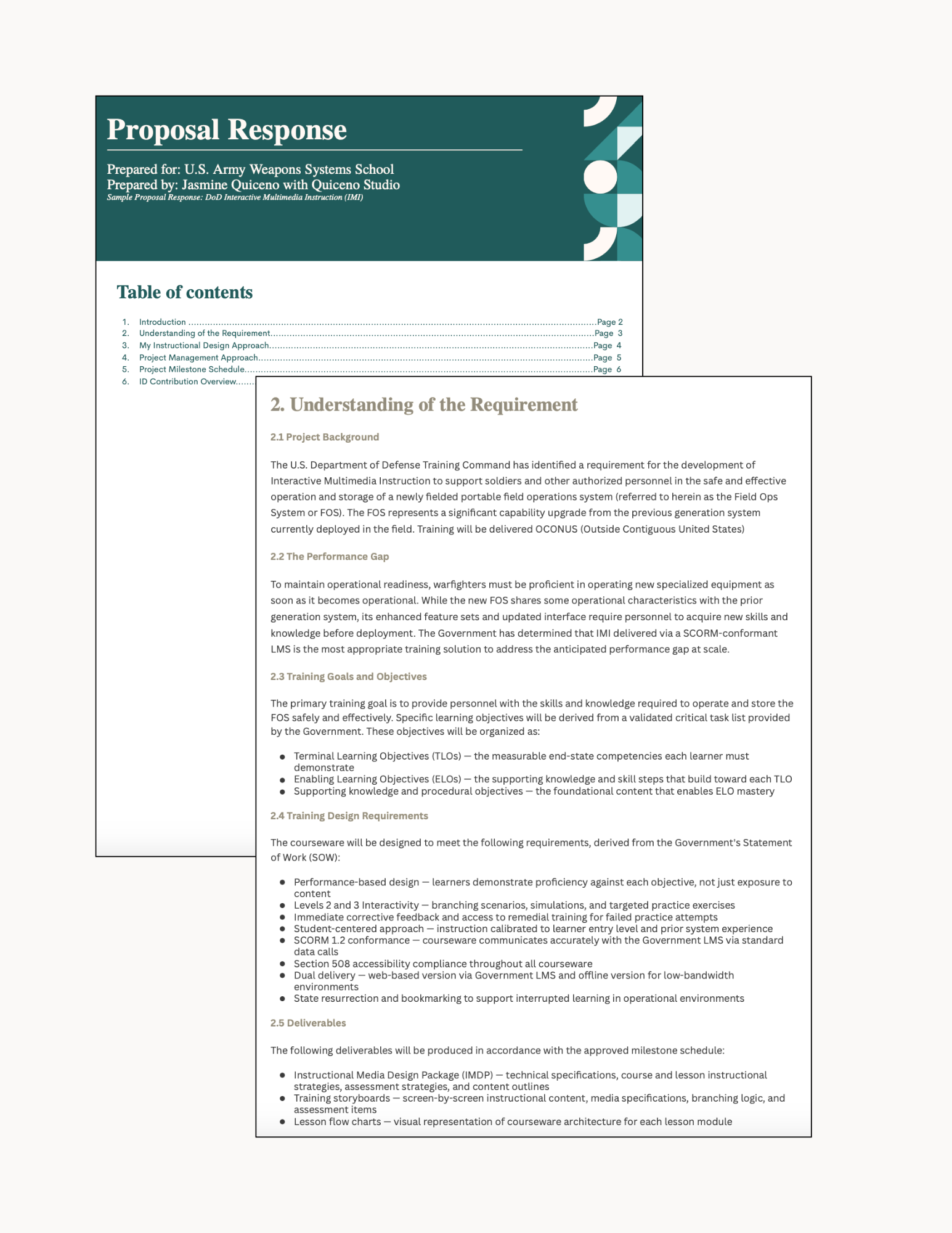
U.S. Army Weapons System School | Proposal Response
The need:
The U.S. Army Weapons Systems School identified a requirement for Interactive Multimedia Instruction to support soldiers and authorized personnel in the safe and effective operation of a newly fielded portable field operations system. Warfighters needed to reach proficiency on the new equipment before it became operational, and the Government determined that SCORM conformant IMI, delivered through an LMS, was the most appropriate way to close that performance gap at scale. As a prime contractor responding to this solicitation, I needed to demonstrate not just instructional design expertise, but a clear understanding of DoD training standards, compliance requirements, and disciplined project delivery.
The Approach
I grounded the proposal in Instructional Systems Design methodology, translating the Government's Statement of Work into a structured response covering training goals, performance based design requirements, and a full deliverable set (an Instructional Media Design Package, training storyboards, and lesson flow charts). Every element was tied directly back to a stated Government requirement, from SCORM 1.2 conformance and Section 508 accessibility to dual delivery for low bandwidth environments and state resumption for interrupted learning. This structure was intentional: government proposal evaluators are scoring compliance and clarity as closely as instructional quality, so the response needed to prove both in the same document.
Skills demonstrated
Government and defense contract proposal writing | Instructional Systems Design (ISD) methodology | SCORM compliant courseware planning | accessibility and compliance standards (Section 508) | performance based training design | project milestone and deliverable planning | technical writing for regulated and compliance driven audiences
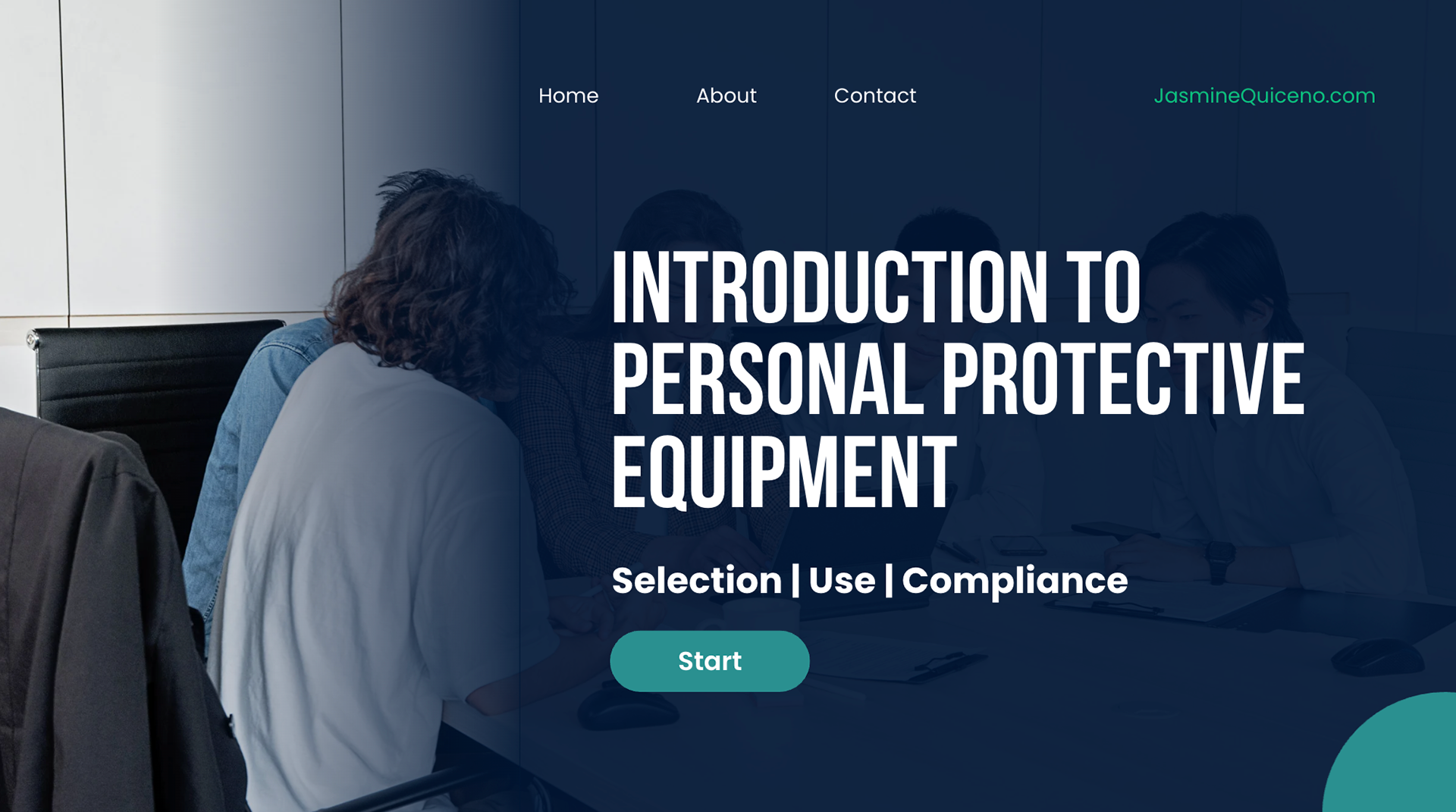
Introduction to PPE | eLearning Module Sample
The need:
Organizations with PPE requirements need employees to understand not just what protective equipment to wear, but how to select it correctly, use it consistently, and stay compliant with safety standards, often across roles and environments where the wrong choice carries real risk. I designed this interactive eLearning module to give learners a self-paced, engaging way to build that competency, structured around the three things that actually drive safe behavior on the job: selection, use, and compliance.
The Approach
I built this as a fully interactive, self-paced module rather than a static reference document, since PPE training benefits from scenario-based practice, not just information delivery. The course is organized around three core learner outcomes (Selection, Use, Compliance), each building on the last, so learners move from knowing what equipment exists to correctly applying it in context. This structure keeps the training grounded in real workplace decisions rather than abstract policy, which is what actually reduces risk on the job.
Skills demonstrated
Interactive eLearning design | scenario based instructional design | compliance and safety training | learning outcome sequencing | self paced course architecture | visual and UX design for digital learning
LMS Course | Canvas
The need:
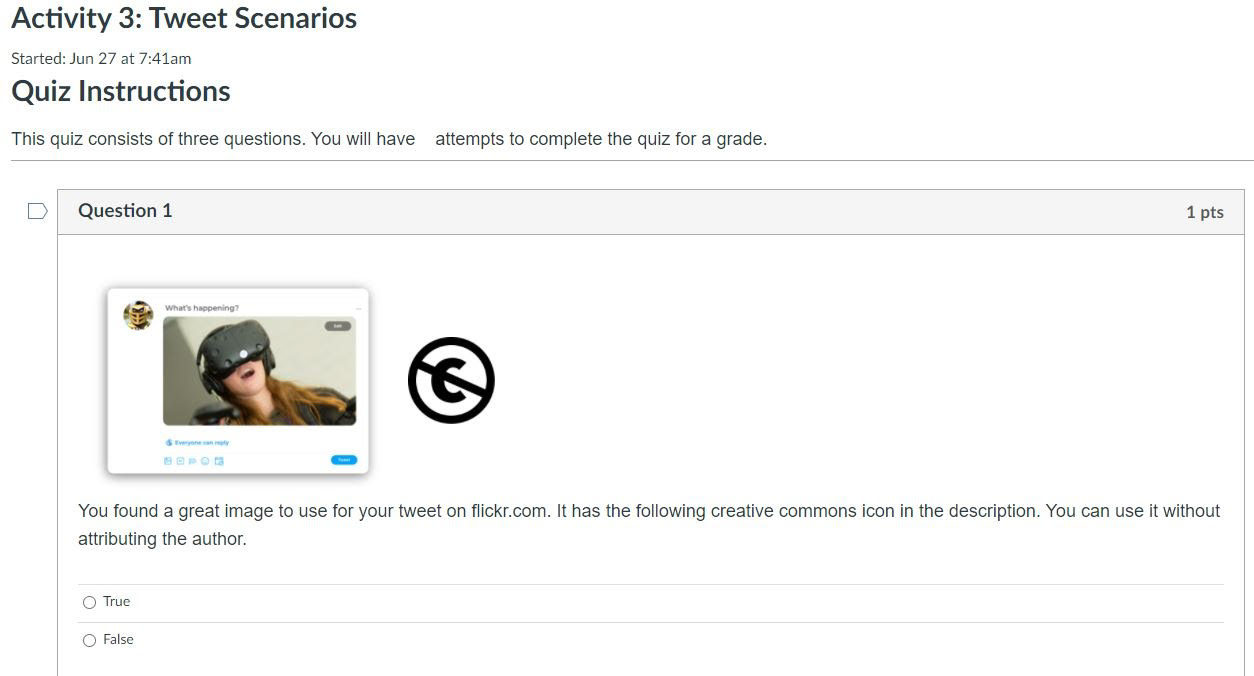
Instructors needed a practical, structured way to use Twitter as a tool for professional communication and research, but had no formal training on how to do so effectively or responsibly. My team and I were tasked with building a full course inside Canvas that would take instructors from foundational understanding to confident, correct application, while meeting the accessibility and content needs of a varied instructor audience.
The Approach
I partnered with subject matter experts to validate course content and worked with my team to design a course that combined multiple media formats, embedded assessments, and content accommodations rather than relying on a single delivery method. Assessments were built around realistic scenarios (evaluating real examples of appropriate use, like a tweet activity assessing copyright and attribution) so instructors were practicing judgment, not just recalling facts. This approach ensured the course held up for a range of learner backgrounds and technical comfort levels, which is essential for any training rolled out broadly across an instructor population.
Skills demonstrated
LMS course design (Canvas) | SME collaboration and content validation | multimedia course development | assessment design and scenario based evaluation | accessibility and content accommodations | team based instructional design
Storyboards and Flowcharts Sample | Learning Objective Design
The need:Before any course goes into development, its structure and sequencing need to be mapped and validated, especially when the course itself is teaching a foundational instructional design skill like writing effective learning objectives. My team was tasked with producing the flowcharts and storyboards that would guide development of a course on writing measurable, effective learning objectives, ensuring the content flow was logical and instructionally sound before a single screen was built.
The Approach
I worked with my team to map the full course structure visually, using flowcharts to define the sequence and branching logic learners would move through, and storyboards to specify screen by screen content, instructional strategy, and media placement. Building this documentation first meant that development could move quickly and accurately once it began, and that every design decision was intentional and traceable back to a specific learning objective rather than added ad hoc during production.
Skills demonstrated
Instructional storyboarding| flowchart and course sequencing design | learning objective design | team based instructional planning | pre production documentation for eLearning development
Educational Training Video | eLearning Video Sample
The need:
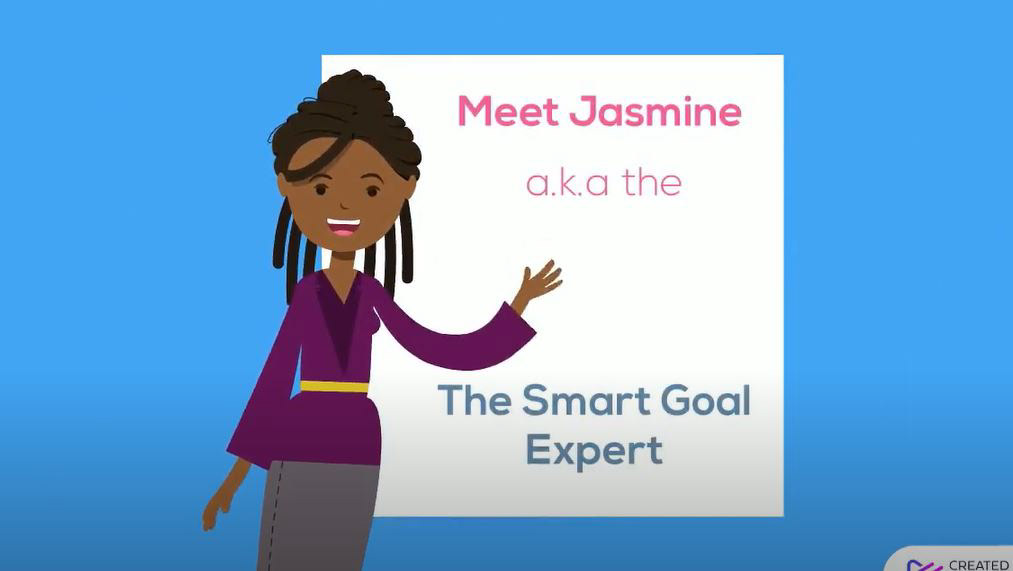
Learners often struggle to translate goal setting theory into practice, writing goals that sound reasonable but lack the specificity needed to actually be measurable or achievable. I designed a short instructional video paired with a hands on activity to close that gap, giving learners both a clear model of what an effective SMART goal looks like and immediate practice distinguishing strong goals from weak ones.
The Approach
Rather than simply explaining the SMART framework, I paired the video with a sorting activity that required learners to apply the criteria themselves, classifying goals as SMART or non-SMART. This reinforced the instructional principle that understanding a framework and being able to apply it are two different skills, and that practice with immediate feedback builds the second far more effectively than explanation alone. The video format kept the content short and focused, while the activity extended the learning into active application.
Skills demonstrated
Instructional video scripting and production, learning objective design, discrimination based activity design (exemplar versus non-exemplar practice), microlearning design, animation and multimedia tool proficiency